

Home Assistant Voice Control: Alexa, Google, and Local Assist
Choose voice control by how it processes speech, which devices it exposes, and what still works when the internet goes down.
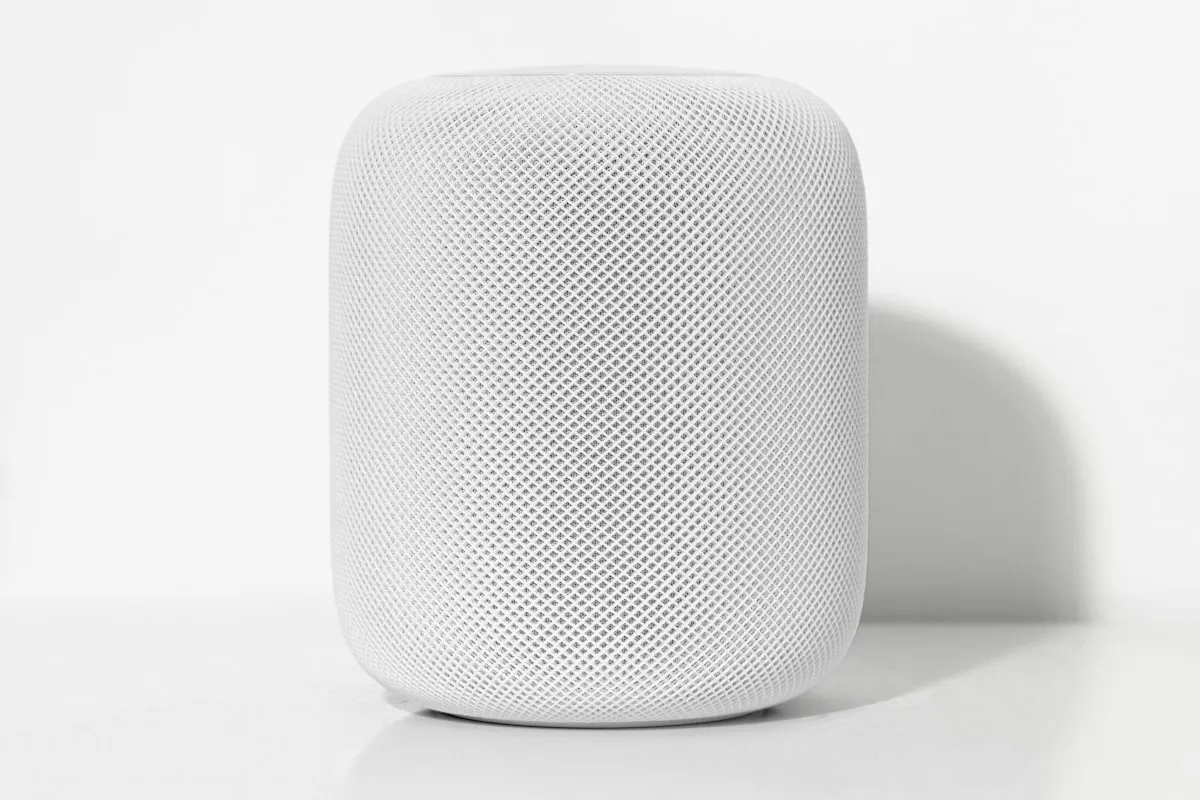
Start with the voice experience you need
A useful voice system turns on the right light without requiring anyone to remember a complicated command. Before choosing a setup, decide which rooms need microphones, which household members will use it, and whether offline operation is a requirement.
There are three practical routes: connect an existing Alexa setup, connect Google Assistant, or build around Home Assistant’s own Assist. They have different setup and cloud dependencies. A local network connection between devices is only one part of a spoken command.
Alexa and Google Assistant integration
Home Assistant’s official Alexa Smart Home documentation describes Home Assistant Cloud and a manual integration route. The cloud option reduces configuration work; the manual route requires developer accounts and services you maintain. Review supported devices before committing to either.
The Google Assistant integration likewise offers cloud and manual configuration. Its local fulfillment feature can send supported device commands over the local network, but Google’s documentation in Home Assistant still lists internet dependencies for credentials, certain commands, and fallback. It is not a promise of offline voice operation.
Use a short allowlist of entities. Give each a distinct room and name, then test ordinary phrases with the people who will actually use them. Start with lighting and a simple scene before adding more consequential actions.
What Matter does and does not change
Google describes Matter as a local fulfillment path for compatible devices. That describes device communication, not every stage of speech recognition or account access.
Home Assistant’s Matter integration primarily brings Matter devices into Home Assistant. A separate community bridge that exposes Home Assistant entities to other ecosystems is a different component with its own maintenance and compatibility requirements. Do not assume it is included with the official integration or converts every device type.
If a proposal says a voice system is fully local, ask which component handles microphone input, speech recognition, intent matching, device control, and the spoken response. Each part needs an answer.
Build a local Assist pipeline
Home Assistant documents a fully local voice pipeline. It can use Speech-to-Phrase or Whisper for speech recognition and Piper for speech output. Speech-to-Phrase focuses on supported home-control commands; Whisper supports broader speech but has different hardware demands.
Choose the recognition engine for the commands and language you need. Test response time on the intended host before buying microphones for every room. A local voice pipeline can still control a cloud-dependent thermostat or other device, so inspect those integrations separately.
Local processing also needs power. For an outage test, consider the Home Assistant host, access points, switches, microphones, and the destination device. Keep ordinary physical controls available.
A practical acceptance test
Before calling the setup finished:
- Try the same command from each intended room at normal speaking volume.
- Test similar device names and background television or kitchen noise.
- Confirm a guest can use the basic commands without account administration.
- Confirm only the intended entities are exposed to the assistant.
- Disconnect internet access while leaving the local network powered, then record which functions still work.
- Reconnect and confirm recovery without rebuilding the integration.
Document the result as tested behavior, including limitations. Home automation can complement daily routines, but voice commands and weather scenes are not substitutes for official weather alerts or an emergency plan.
Plan the system around the household
Our Home Assistant service starts with the devices, network, and routines already in the home. We can help choose an integration path, test the important commands, and document how to operate it.
For existing equipment, start with the compatibility checker. To plan a voice setup, discuss your project and tell us which assistants and devices you currently use.
Frequently asked questions
Can I connect Alexa and Google Assistant to Home Assistant?
Does Matter make Alexa or Google voice control fully local?
How can I keep voice processing local?
Will local voice keep working during a power outage?

Your next step
Make it useful.
Find a practical guide for the task, or talk through a technology decision for your business.