

TP-Link Omada vs. UniFi: Compare the Complete Home Network
Compare a complete network design, including management, cabling, power, and support. A gateway price alone cannot tell you which system fits.
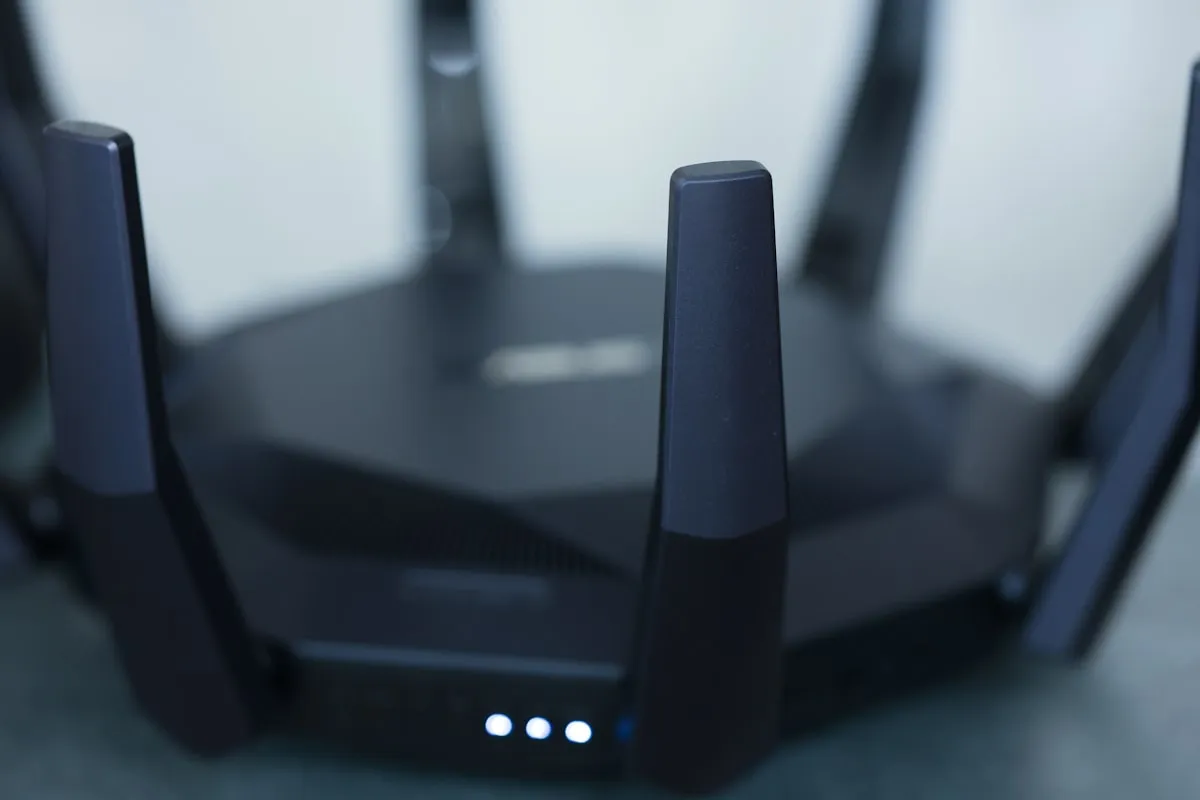
Compare a network design, not two boxes
UniFi and TP-Link Omada both offer gateways, switches, access points, and centralized management. The useful comparison is a complete design for your home: where the access points go, how they connect, what powers them, and who maintains the system.
A gateway with an integrated controller and one that relies on a separate controller are not equivalent shopping-cart items. Neither a lower router price nor a faster advertised radio rate establishes the total cost or the result in a particular room.
Controller and hosting options
UniFi Cloud Gateways include network management and offer remote management without a required hosting subscription. A separate CloudKey is not a required extra when a compatible Cloud Gateway already provides that function.
Ubiquiti also documents license-free self-hosting. Self-hosting makes the operator responsible for the host, updates, backups, and availability. It differs from paid hosting, where the hosting provider handles that infrastructure. Choose the deployment model before comparing costs.
Omada’s controller guide describes software, hardware, and cloud options. Cloud Essentials provides a free tier with its own feature set; Standard uses subscription-based licensing. An on-premises controller with cloud access is different from a controller hosted entirely in the cloud.
For either platform, write down the exact controller option, supported device models, recurring fees, and recovery plan. An account login or remote management portal alone does not tell you where the controller runs.
Build the equipment list around the property
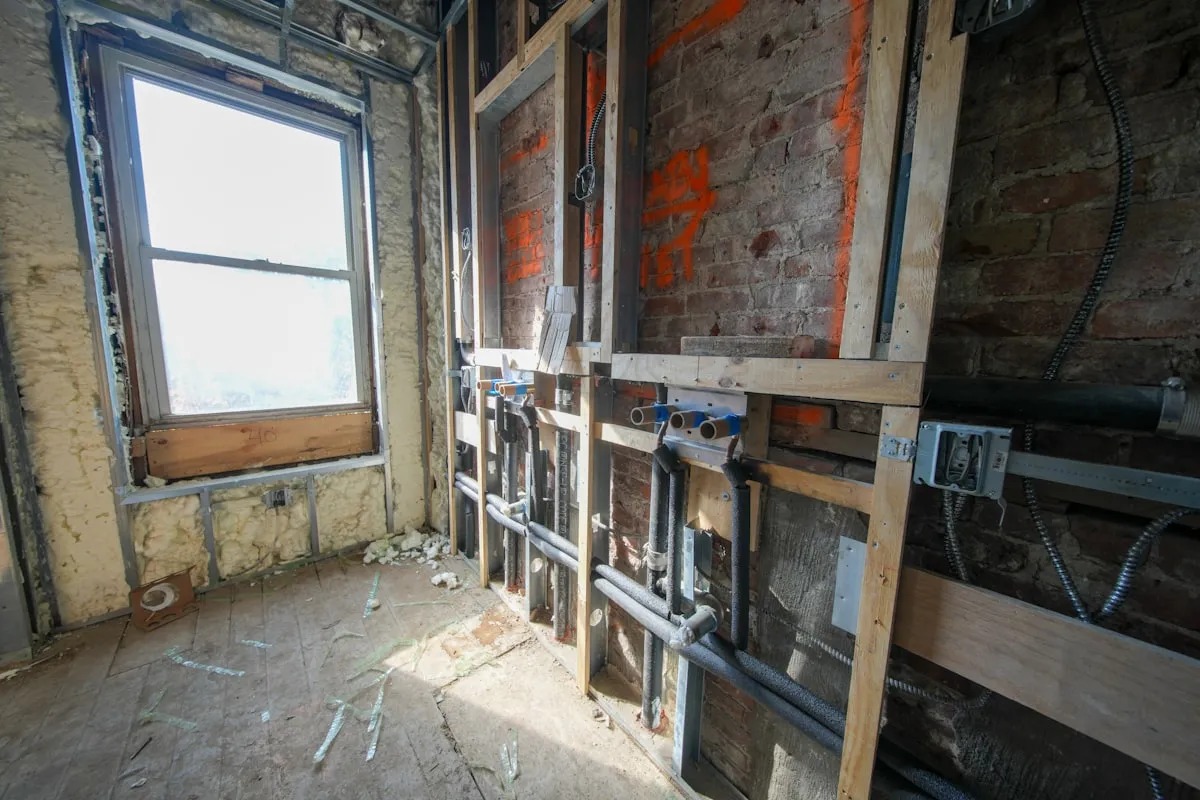
Start with a floor plan and the locations that matter: workspaces, televisions, outdoor areas, cameras, and any detached building. Record construction materials and accessible cable routes. For new construction, agree on cable and access point locations before walls close.
Then compare proposals using the same scope:
- Gateway capacity for the intended internet connection and enabled features.
- Switch port count, uplink speed, and available power budget.
- Access point models, placement, mounting, and wired connections.
- Cabling, terminations, testing, and any work needed between buildings.
- Controller hardware or hosting and the responsibility for maintenance.
- Backup power requirements and any ongoing support.
A wireless connection between access points can be useful where cable is impractical, but it shares radio capacity and depends on a suitable signal at both ends. A wired connection deserves consideration wherever the route is feasible.
Decide whether faster Ethernet helps
Check the specification of each selected access point rather than treating Wi-Fi 7 as a single hardware requirement. The radio, Ethernet port, switch, client, and destination all affect useful throughput.
An existing switch may be sufficient for a household’s internet and device traffic. A faster uplink can help when measured demand or local transfers justify it. Include the switch’s power delivery in that decision; a matching Ethernet speed alone does not establish compatibility.
Verify the result in the rooms you use
Ask for measurements after installation, including the rooms where calls or streaming previously failed. Record the device, test location, wired baseline, and conditions so the results are repeatable.
Roaming, busy-hour performance, outdoor coverage, and recovery after an outage deserve separate checks. No platform choice guarantees a fixed speed everywhere or keeps equipment running after its power supply stops.
The handoff should include account ownership, a network diagram, labeled cables where applicable, a configuration backup, and a support contact. These practical details matter after the installer leaves.
Choose the proposal you can operate
Leios works with networking projects around the Oklahoma City metro. Our approach starts with the property and the problem you need solved, then selects equipment that fits the plan.
Use the network estimator for a starting range, or the Wi-Fi health check to organize current symptoms. Discuss your project when you are ready to review the actual layout and equipment.
Frequently asked questions
Does UniFi require paid cloud hosting?
Is every Omada cloud option free?
Do Wi-Fi 7 access points always require a new switch?
Which platform provides better coverage?


Your next step
Make it useful.
Find a practical guide for the task, or talk through a technology decision for your business.