
Enterprise Wi-Fi installation costs: what should you plan for?
Start with the rooms, people and work your Wi-Fi needs to support. Those questions reveal more about an installation budget than a hardware price list.
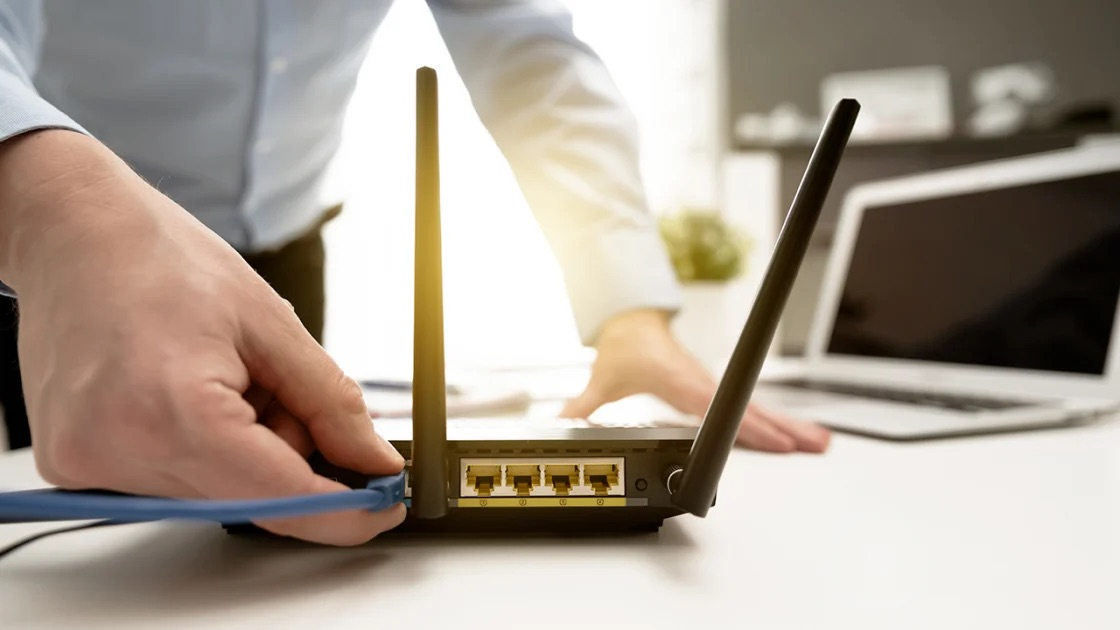
Where does Wi-Fi get in your team’s way? Does a video call fall apart when everyone joins from the conference room? Are there places where staff switch to their phones because the connection is unreliable? And if you’re opening a new location, what needs to work there from day one?
Those questions are worth answering before choosing equipment. “Better Wi-Fi” could mean fixing one troublesome room, accommodating a growing team, or replacing a network nobody knows how to maintain. You can spend money on any of those problems, but they call for different work.
If you’re trying to budget for business Wi-Fi, start by getting specific about the problem. That makes it easier to decide what needs changing and whether the proposed installation is worth the cost.
Start with a working day
Think through a busy day in the building. Where do people gather? Which applications need a dependable connection? Are employees mostly at desks, moving between rooms, or working across a warehouse?
A quiet office and a busy training room might occupy similar floor space, but they ask different things of the network. A connection that works when you test it alone hasn’t told you much about what happens when the room fills up.
This is the difference between coverage and capacity. Reaching a room is one concern; supporting the people using it is another. Cisco’s wireless planning guidance considers both, alongside the devices and applications people rely on.
Ask your staff where they work around a bad connection. Someone who has quietly stopped using a meeting room can tell you something a floor plan won’t. You don’t need a technical specification to begin this conversation. You need a clear picture of how the space is used.
Find out what can stay
A Wi-Fi upgrade doesn’t have to begin by replacing everything.
Existing cabling and network equipment may still be useful. The important question is whether they can support the proposed design, including where new equipment needs to go and how it will be connected and powered.
Imagine two offices choosing the same number and model of wireless access points, the devices that provide Wi-Fi coverage. One has usable cables already reaching the right locations. The other needs new cable runs through finished spaces. Their access-point costs could be identical while the work needed to install them is quite different.
That’s why it’s worth asking what a recommendation assumes about your building. If nobody has checked the existing infrastructure, reuse is still an open question. Resolving it early gives you a firmer budget and may save you from buying equipment you don’t need.
Agree on what better should look like
Come back to the problem that started the project. If it was unreliable meetings, being able to connect a laptop in an empty conference room won’t be a convincing finish.
Ask how the finished network will be checked with the devices and applications your team actually uses. Decide what a good result looks like before installation, while there’s still time to shape the design around it.
Planning tools help work out where equipment might belong. Checks in the building help establish whether the design holds up in practice. Cisco includes post-installation validation in its deployment guidance for that reason.
The useful question is simple: will you be able to show that the original problem has been resolved?
Think past installation day
The work has to fit around the business. A team that can move offline for an afternoon has different constraints from one taking appointments, payments or customer calls all day. Discuss possible interruptions early, including what happens if the change takes longer than expected.
Then consider who will look after the network once the installer leaves. Can your team access the accounts? Will there be documentation someone else can understand? Who do you call when something needs changing? The next person responsible shouldn’t have to reconstruct the network before they can help.
You may want ongoing help, or you may have an IT team ready to take over. Either way, the handover should leave you able to run what you’ve paid for. Support is much easier to evaluate when everyone understands what it covers.
So what should you budget?
Equipment prices are useful once you know what you’re asking that equipment to do. As a small illustration, three individually priced Ubiquiti U7 Pro access points total $609 at the US store prices checked September 23, 2026. With a Pro Max 16 PoE switch at its listed price, that becomes $1,039. The switch was sold out when checked. Both figures include the displayed surcharges. They’re hypothetical hardware examples, not a recommended setup or an installed price.
The complete budget depends on what can be reused and what else the site needs: cabling, additional equipment, planning, installation and testing. Taxes, shipping and any optional coverage or ongoing support sit outside those hardware figures too. Ask for optional support to be quoted separately, so you can distinguish the installation cost from the cost of ongoing help. A scoped quote should bring those costs together so you can compare proposals addressing the same problem.
If you’re planning a business Wi-Fi upgrade and aren’t sure where to start, a paid environment review with Leios can help define the work before you commit to a larger project. Bring the questions about your space and how your team works. The equipment list can come later.
Your next step
Make it useful.
Find a practical guide for the task, or talk through a technology decision for your business.