Home Assistant Voice Control Setup: Complete Alexa & Google Integration Guide for Oklahoma Homes
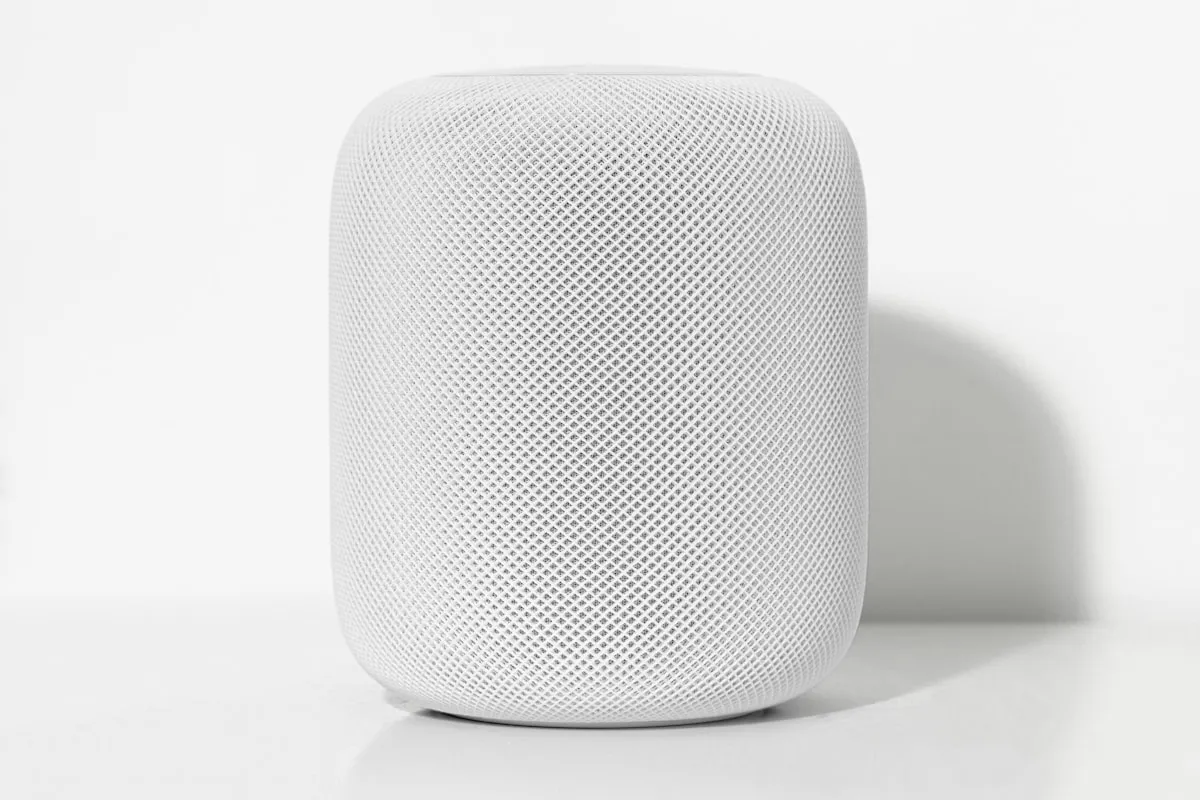
Voice Control Integration Options for Home Assistant
Home Assistant offers multiple pathways for voice control integration with popular voice assistants. The platform supports native integrations with both Google Assistant and Amazon Alexa through account linking, but the new Matter Hub add-on enables fully local voice control without cloud dependencies.
The traditional cloud-based approach requires linking your Home Assistant instance to Google or Amazon’s cloud services, creating potential privacy concerns and introducing latency. However, the Home Assistant Matter Hub add-on changes this by exposing HA entities as Matter devices directly to Google Home, Apple Home, and Alexa for local control.
For Oklahoma homeowners who value privacy and reliability, especially during severe weather when internet connectivity might be compromised, local voice control offers real advantages over cloud-dependent solutions.
Setting Up Matter Hub for Local Voice Control
The Matter Hub integration transforms how you interact with your Home Assistant setup. Recent updates show that users experience dramatically improved performance with Google Home being “completely stable, no dropouts, no delay” compared to cloud interactions.
To get started with Matter Hub:
- Install the Matter Hub add-on from the Home Assistant Add-on Store
- Configure which entities to expose using labels, domains, or patterns
- Generate the initial QR code for device pairing
- Use your voice assistant’s app to scan the QR code and add the bridge
Key Takeaway: Matter Hub provides fast local voice control that works even when your internet is down, making it ideal for Oklahoma’s unpredictable weather conditions.
Configuring Alexa Integration Through Matter
Alexa integration through Matter requires specific port configuration for optimal performance. When connecting to Alexa via Matter, use port 5540 specifically, as other ecosystems may tolerate different ports but multiple bridges require unique ports.
The setup process for Alexa:
- Ensure your Matter Hub is running on port 5540
- Open the Alexa app and navigate to “Add Device”
- Select “Matter” as the device type
- Scan the QR code generated by your Home Assistant Matter Hub
- Allow Alexa to discover and configure your exposed entities
Once configured, you can control lights, thermostats, switches, locks, and other compatible devices using natural voice commands like “Alexa, turn off the living room lights” or “Alexa, set the temperature to 72 degrees.”
Google Assistant Setup and Optimization
Google Assistant integration through Matter has shown exceptional performance improvements. Community feedback indicates the local control provides “night and day improvement” over traditional cloud-based interactions.
For Google Home setup:
- Open the Google Home app on your mobile device
- Tap the ”+” icon to add a new device
- Select “Works with Google” and then “Matter”
- Scan your Home Assistant Matter Hub QR code
- Follow the prompts to name and organize your devices
Google Assistant excels at natural language processing, allowing for complex commands like “Hey Google, turn on movie mode” if you’ve configured appropriate scenes in Home Assistant. This local integration means your commands are processed instantly without internet delays.
Key Takeaway: Local Google Assistant integration through Matter Hub eliminates cloud dependencies while providing faster response times and better reliability for your no-subscription smart home setup.
Compatible Device Types and Entity Configuration
Matter integration supports a wide range of entity types including lights, climate controls, switches, locks, and vacuum cleaners. The key is properly configuring which entities to expose through the Matter bridge.
Best practices for entity exposure:
- Lights: Include individual bulbs and group controls
- Climate: Expose thermostats and HVAC controls
- Switches: Include smart plugs and wall switches
- Locks: Add smart door locks for voice control
- Sensors: Weather stations and motion detectors (read-only)
For Oklahoma homes, consider exposing weather-related sensors and storm-preparation scenes that can be activated by voice during severe weather warnings. Commands like “Hey Google, activate storm mode” could automatically close smart blinds, turn on essential lighting, and ensure critical devices are powered.
Troubleshooting Common Voice Control Issues
Voice control setup can encounter several common challenges, particularly when dealing with network configurations and device discovery.
Network Connectivity Issues:
- Ensure Home Assistant and voice assistants are on the same network
- Check firewall settings aren’t blocking Matter traffic
- Verify port 5540 is available for Alexa integration
Device Discovery Problems:
- Regenerate QR codes if initial pairing fails
- Clear voice assistant app cache if devices aren’t appearing
- Restart the Matter Hub add-on after configuration changes
Response Delays or Failures:
- Check Home Assistant system resources and performance
- Verify entity names don’t conflict with built-in voice assistant commands
- Test commands using simple, clear phrasing
For Oklahoma homeowners working with builders like those in our Travis Horton Homes project, proper network infrastructure during construction ensures smooth voice integration from day one.
Advanced Voice Control Scenarios and Oklahoma Applications
Beyond basic device control, voice integration opens possibilities for sophisticated home automation scenarios particularly relevant to Oklahoma living.
Weather-Responsive Automation: Create voice commands that prepare your home for Oklahoma’s severe weather. “Alexa, tornado watch mode” could close all motorized blinds, turn on weather radio, and ensure emergency lighting is ready.
Energy Management: With Oklahoma’s variable electricity rates, voice commands like “Hey Google, energy saving mode” can automatically adjust thermostats, dim non-essential lighting, and optimize smart appliance scheduling.
Guest and Rental Management: For those offering short-term rentals, simple voice commands provide guests with easy control without requiring smart home app installations or complex instructions.
The benefit of Home Assistant integration is that these advanced scenarios work entirely locally, ensuring privacy and reliability regardless of internet connectivity. This proves especially valuable during Oklahoma’s frequent severe weather events.
Getting Professional Voice Control Setup
While DIY installation is possible, professional setup ensures optimal configuration and integration with your existing smart home ecosystem. At Leios Consulting, we specialize in Home Assistant deployments that maximize the potential of local voice control while maintaining the no-subscription philosophy that saves Oklahoma homeowners hundreds of dollars annually.
Our Home Assistant integration service includes complete Matter Hub configuration, voice assistant optimization, and custom automation scenarios tailored to Oklahoma’s unique climate and lifestyle needs. Whether you’re building new construction or upgrading an existing home, we ensure your voice control system works seamlessly with your broader smart home ecosystem.
Ready to transform your home with professional-grade voice control that works entirely locally? Book a free consultation to discuss how we can integrate Alexa and Google Assistant with your Home Assistant system for the ultimate in convenience, privacy, and reliability.
Frequently Asked Questions
Can I use both Alexa and Google Assistant with the same Home Assistant setup?
Yes, the Matter Hub add-on allows you to connect multiple voice assistants to the same Home Assistant instance. After pairing the first assistant, generate new pairing codes from that app's settings to add additional ecosystems.
Does voice control work when my internet is down?
Yes, with Matter Hub integration, voice control works completely locally without internet dependency. This makes it especially valuable during Oklahoma's severe weather when internet connectivity might be compromised.
What types of devices can I control with voice commands through Home Assistant?
Matter integration supports lights, climate controls, switches, locks, vacuum cleaners, and sensors. You can control individual devices or trigger complex scenes and automations with voice commands.
How do I fix voice commands that aren't working properly?
Common fixes include checking network connectivity, ensuring port 5540 is available for Alexa, regenerating QR codes for pairing, and verifying that device names don't conflict with built-in voice assistant commands.
Is professional installation necessary for Home Assistant voice control?
While DIY setup is possible, professional installation ensures optimal configuration, proper network setup, and integration with existing smart home systems. This is especially important for complex scenarios and new construction homes.
Ready to get started?
Leios Consulting provides professional smart home and networking services throughout Oklahoma. Schedule a free consultation to discuss your project.
Contact Us